
Backtesting
Replay the markets. Test your ideas across multiple variations, and analyze your strategy before you go live. ChartLooper supports Forex, Futures, and Stocks.
You are hereBacktest for free.
Test multiple variations at once.
Use an interface built for speed - on desktop and mobile.
We obsessed over every click and drag so you don't have to. The result is backtesting that feels incomparably smoother and faster than anything else out there.


Get a full-fledged backtesting experience on mobile and tablet, with a touch-friendly session interface tailored to smaller screens.


Test different entry and exit variations within one backtesting session. Make one analysis and execute it as up to 10 entry or exit variations. You can even run independent variations in parallel.


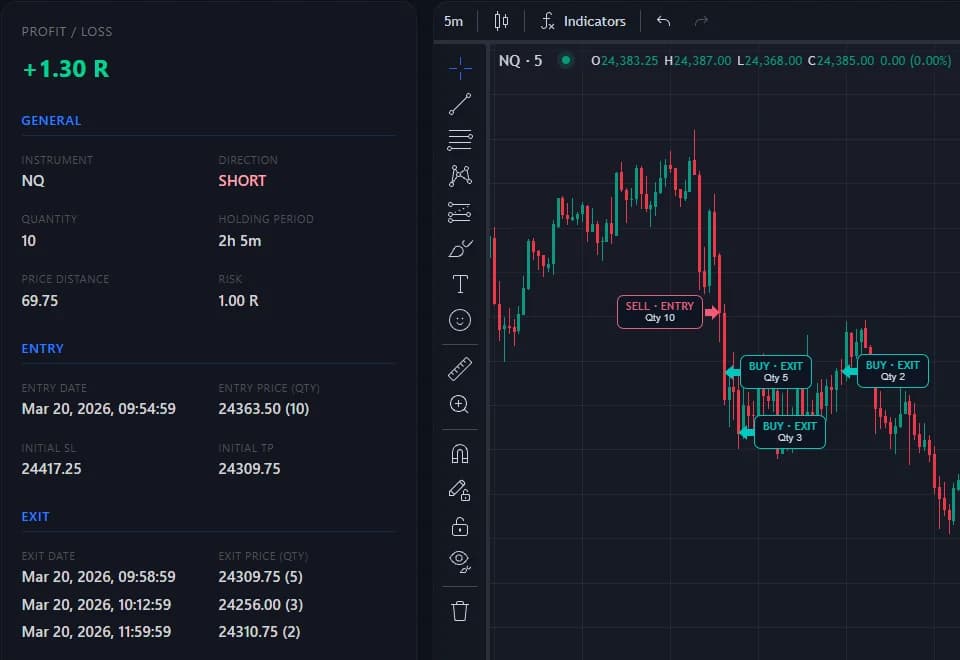
Set a stop and several take-profit Exit Levels, then give each one its Exit Allocation: 50% at TP1, 30% at TP2 and a 20% runner, for example. When price reaches a level, that Partial Exit closes its share and realizes its P/L, and your results count each Partial Exit in the trade's R.
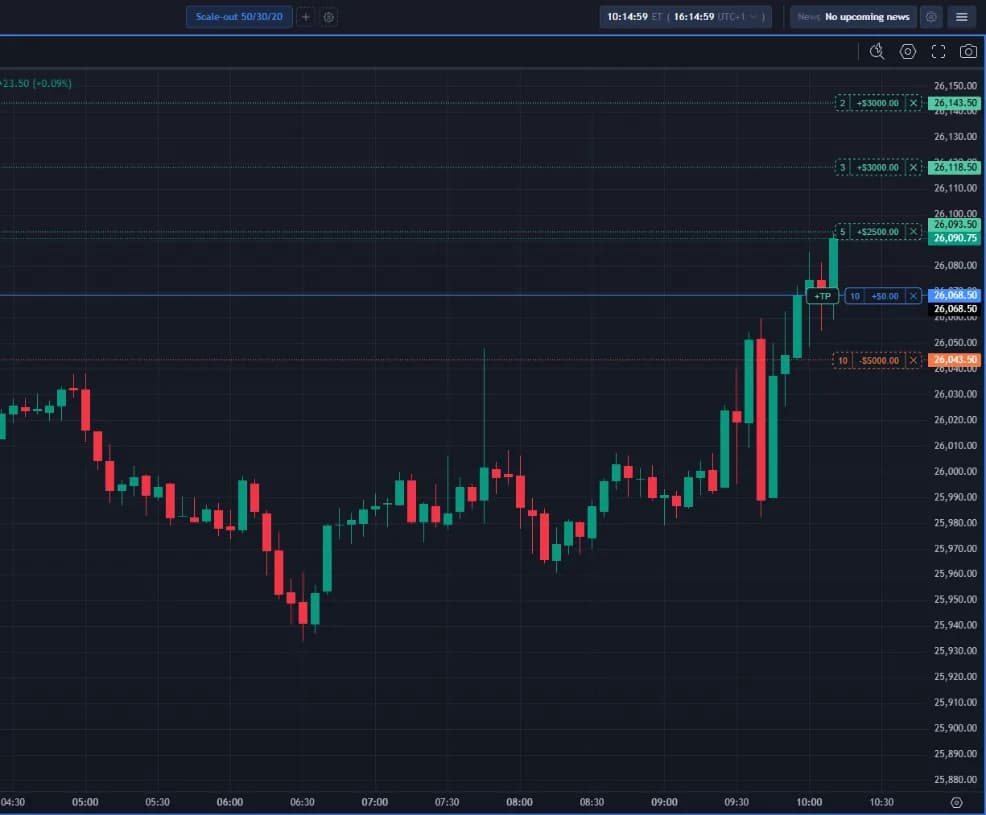
Make your entry and exit analysis on up to 4 charts. Sync keeps the charts aligned, and clicking one adjusts the stepping speed to its timeframe.

Filter and compare your trades side by side by any dimension you choose—sessions, variations, tags, and more. You can even compare across multiple dimensions at once.

Use auto replay, step forward or backward manually, rewind to any point in history, and jump straight to the next trading session. Every control button has a customizable hotkey.

Create Tags on the fly or globally, then group and order them. Structure and organize your Tags however you like.


Forgetting or having a hard time following your plan? Create checklists and configure them to reset automatically.

Go through your trades one by one with all the tools you need. A chart shows exactly where you entered and exited.

Backtest Forex, Futures, and Stocks with market, limit, or stop orders—just like with your broker. Enter trades directly, or use the Risk/Reward tool to set your stop and size the position automatically by a selected percentage of your account or a fixed dollar risk.


Replay the markets. Test your ideas across multiple variations, and analyze your strategy before you go live. ChartLooper supports Forex, Futures, and Stocks.
You are hereBring your trades, charts and notes together. Review your decisions, spot patterns, and take what you learn into the next session.
Explore Trading JournalConnect your backtests and journal trades to a strategy. Review its trades, track performance, and compare approaches in one place.
Explore StrategiesStudy your trading concepts, compare the results, and explore promising variations. Find out which decisions make a difference across your backtests and journal trades.
Explore Research